

Dentoflow Web version 1.18.0, released on November 5, 2026, updates storefronts, training management and several tools for training providers.
Redesigned storefront, preview and sharing
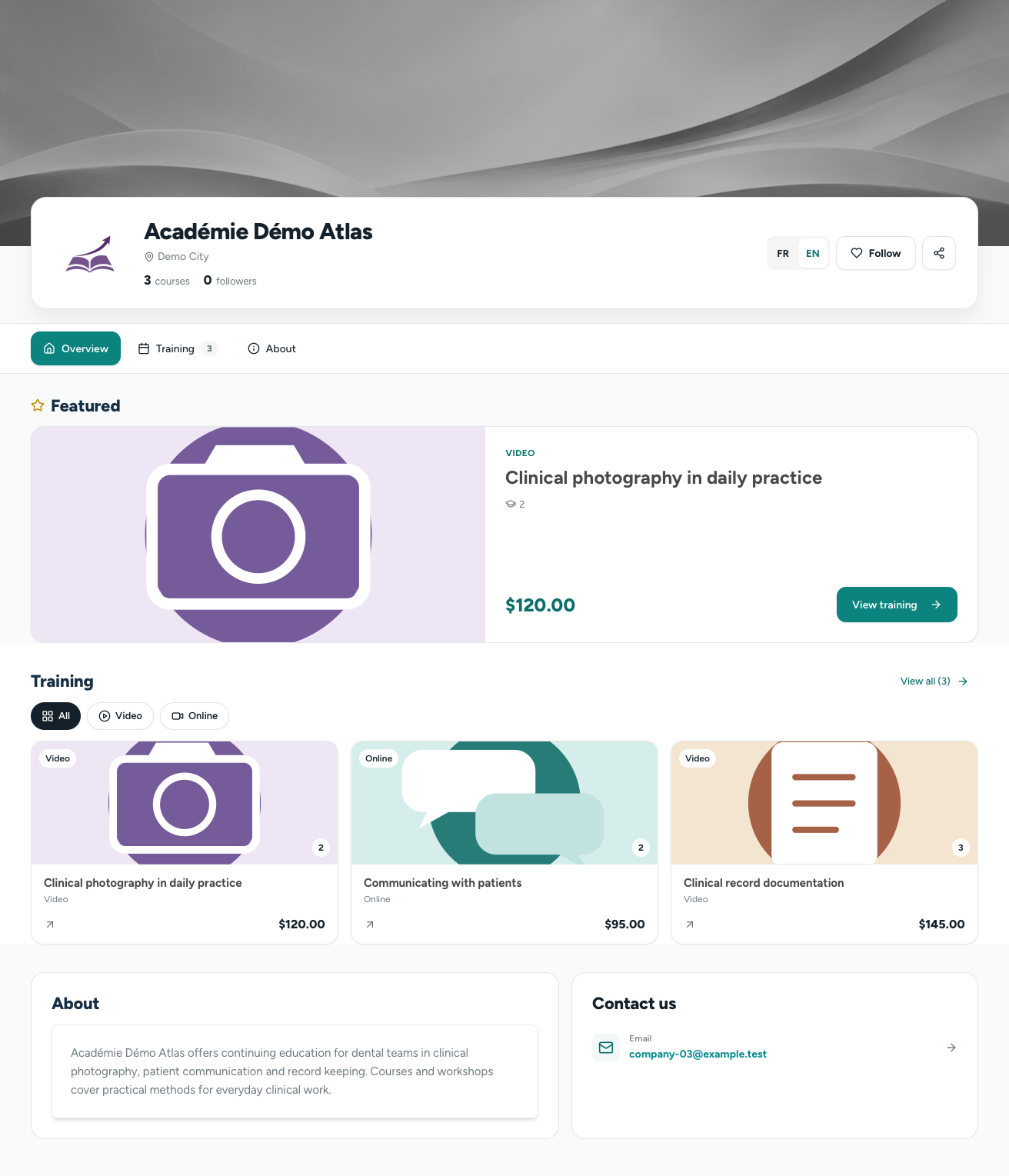
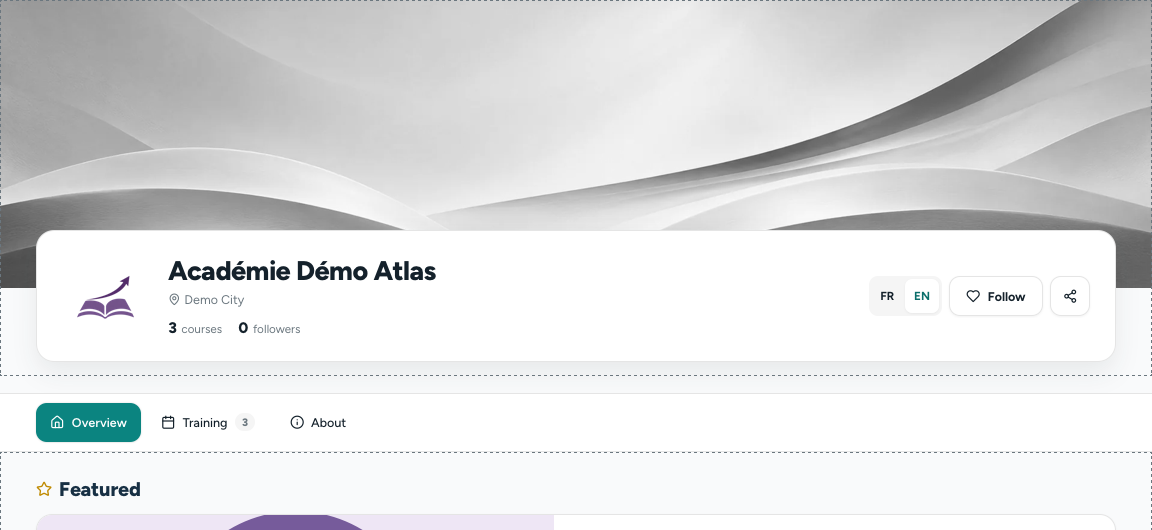
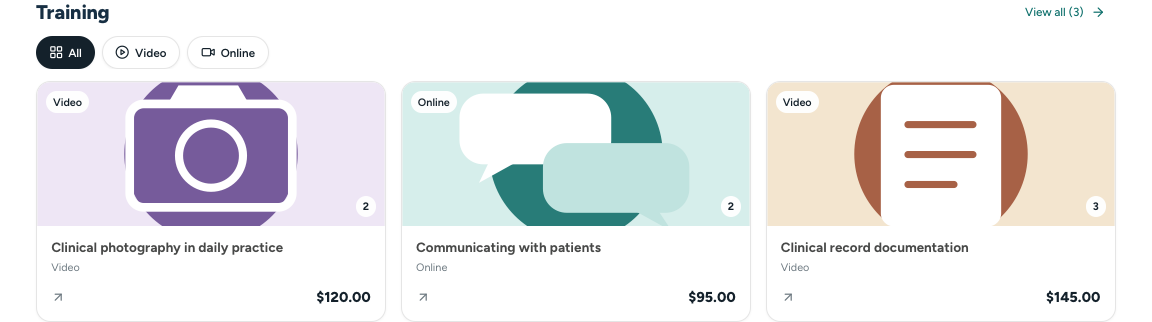
- The public storefront has been redesigned with a new organization header, updated training cards and a catalogue organized into sections. The layout adapts to desktop and phone screens.
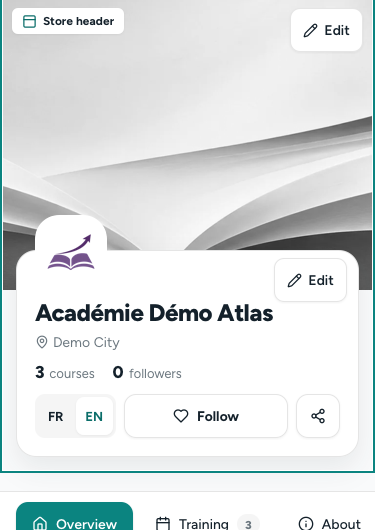
- In My boutique, the integrated preview uses the same components as the public storefront. It reflects the selected language, desktop or mobile format, and banner. Editing controls remain available within the preview.
- Navigation to storefront sections and the space available on mobile have been corrected.
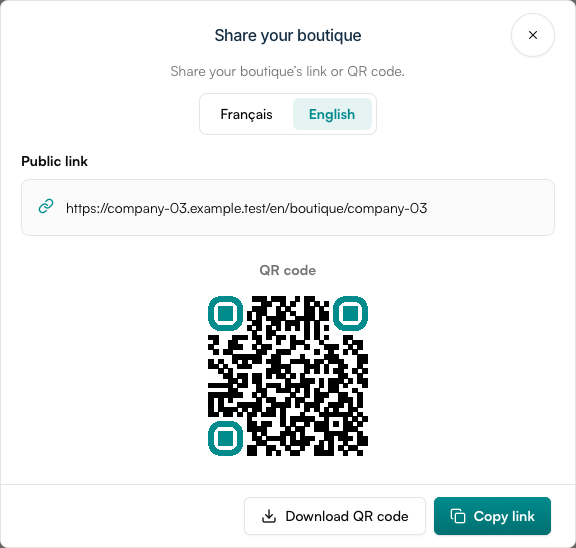
- The storefront sharing dialog brings together the public link and QR code. You can select an available language, copy the link and download the QR code.
Coming-soon training and waitlists
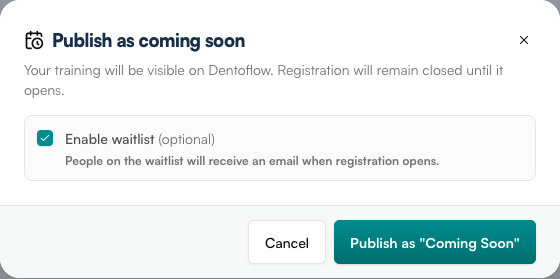
- A provider can publish training as Coming soon before its dates are set. Registration stays closed until it opens.
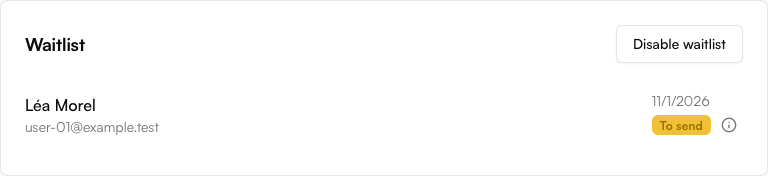
- At this stage, the provider can enable a Waitlist. Signed-in users can join the list for eligible public training and receive an email when registration opens.
- The provider can view the waitlist and configure a priority access period. When active, its end date appears on the training page.
Sales reports: updated layout
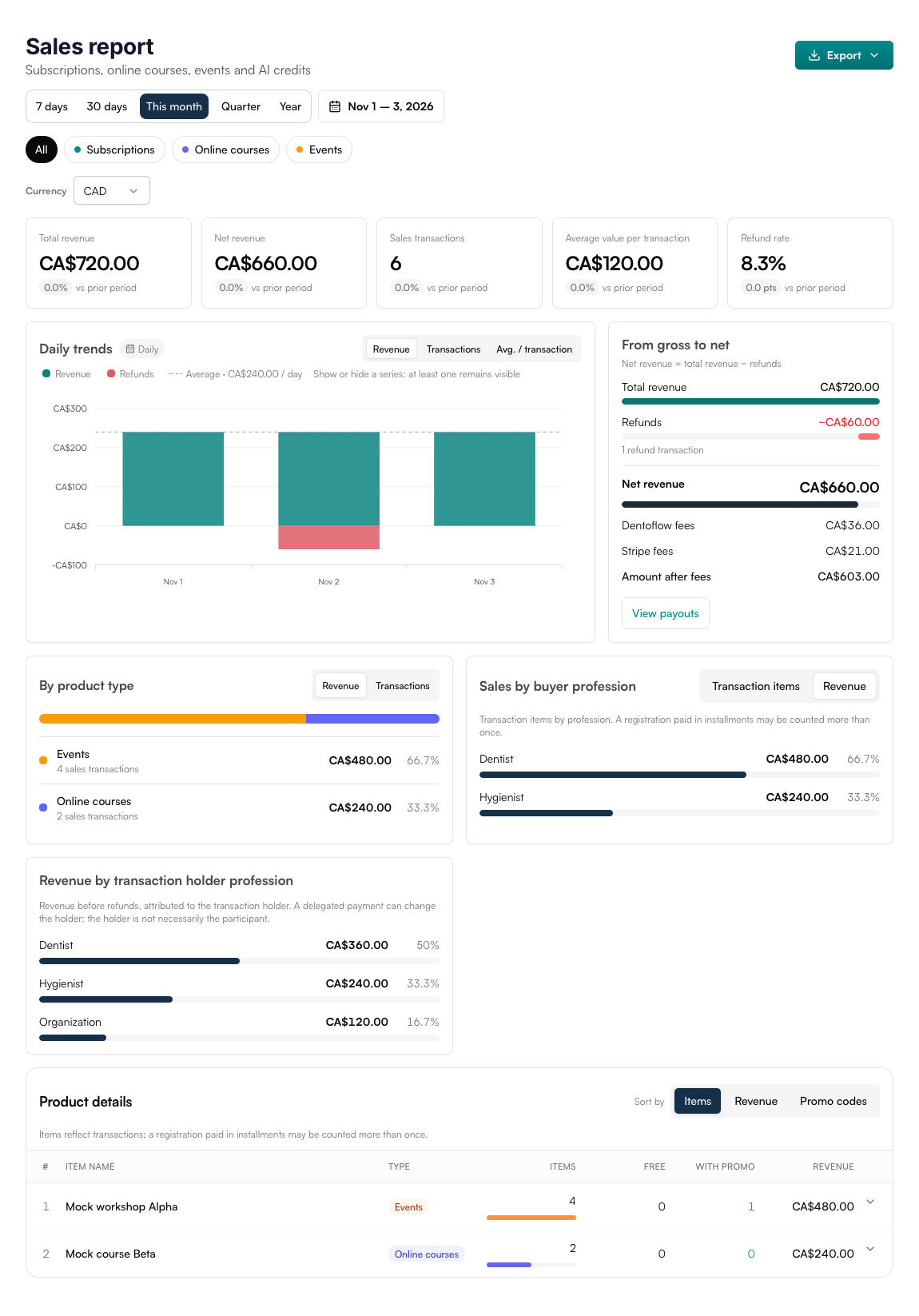
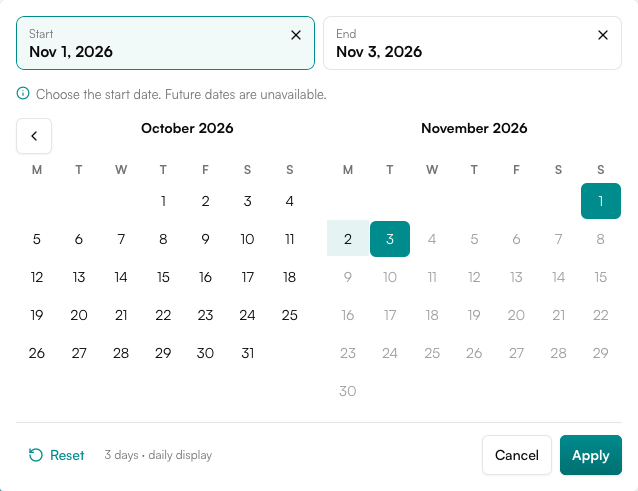
- The report offers preset periods and a calendar for selecting a date range, with comparison to the previous period.
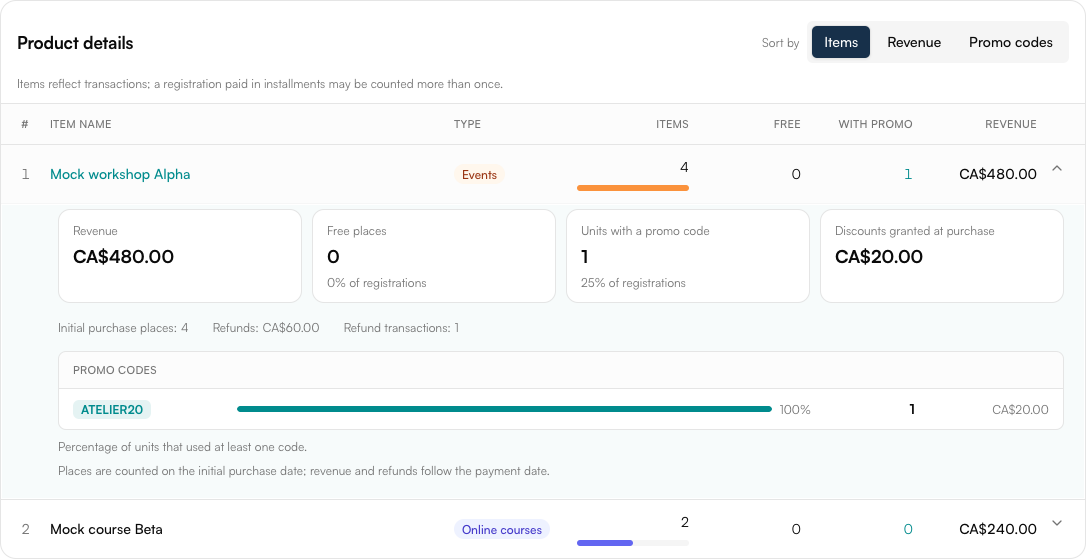
- The report is organized into blocks: summary metrics, sales trends, breakdowns by profession and product type, and product details. Expand a product in the table to view its details.
- Incomplete or unavailable data is identified in the report. This tool remains limited to organization accounts with access to finance features.
Participants and certificates
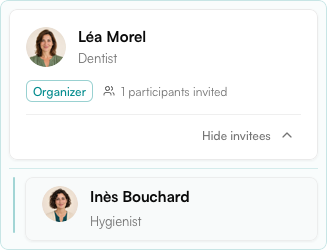
- Participant groups have been adjusted to better display long names, professions and invited participants on mobile.
- Manual participant entry supports student status without requiring a licence number for those participants.
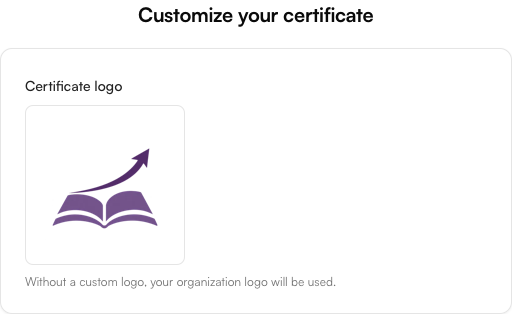
- In certificate settings, providers can upload, crop or remove a logo specifically for certificates. The preview updates after the change.
- The organization’s name appears in the sender name of certificate emails.
Other fixes
- The organization’s training list now correctly handles sorting by upcoming dates and its empty state.
- Video upload tracking waits for transfer confirmation before showing the upload as complete.
- Moving between Stripe setup screens preserves the setup session.
Browse training
Explore the training available on Dentoflow.